
Open-source project
Open sourceLibrePass — a self-hosted password manager
LibrePass was a password manager I developed to bring together a native Android application, a Spring Boot backend and encrypted synchronization. It took me through the complete product lifecycle — from interface design and offline operation to APIs, deployment and security boundaries.
- Stack
- Kotlin · Spring Boot · Jetpack Compose · Material 3 · Dagger Hilt · Hibernate
- Project status
- LibrePass is presented as an archived reference project. Its repositories remain public and document the Android client, backend architecture, encrypted synchronization and unfinished web interface.
01
Problem
A password manager must reconcile easy access to data on a device with protection from people and services that should not know its contents. A sign-in form and a database are not enough — the product must account for encryption, vault locking, offline operation and synchronization.
Self-hosting introduced another requirement: users should be able to operate their own server without the backend needing access to the vault's plaintext contents.
02
Solution
LibrePass was built as a set of cooperating open-source applications. The native Android client handled the vault and local data, while the Spring Boot backend provided accounts, communication, synchronization and encrypted data storage.
The project also covered Docker deployment, relational databases, integration tests, documentation and a prototype Svelte web client.
03
Architecture
The central decision was to separate client and server responsibilities. Operations involving sensitive vault contents happened on the client, while the backend stored encrypted data and handled infrastructure concerns.
On Android, the Jetpack Compose interface was separated from local state, persistence, biometrics and network communication. The server used Spring Boot, Hibernate and a relational database, while containerization simplified running the complete environment.
Android application
Web client
REST API
LibrePass server
Encrypted data
04
Client applications
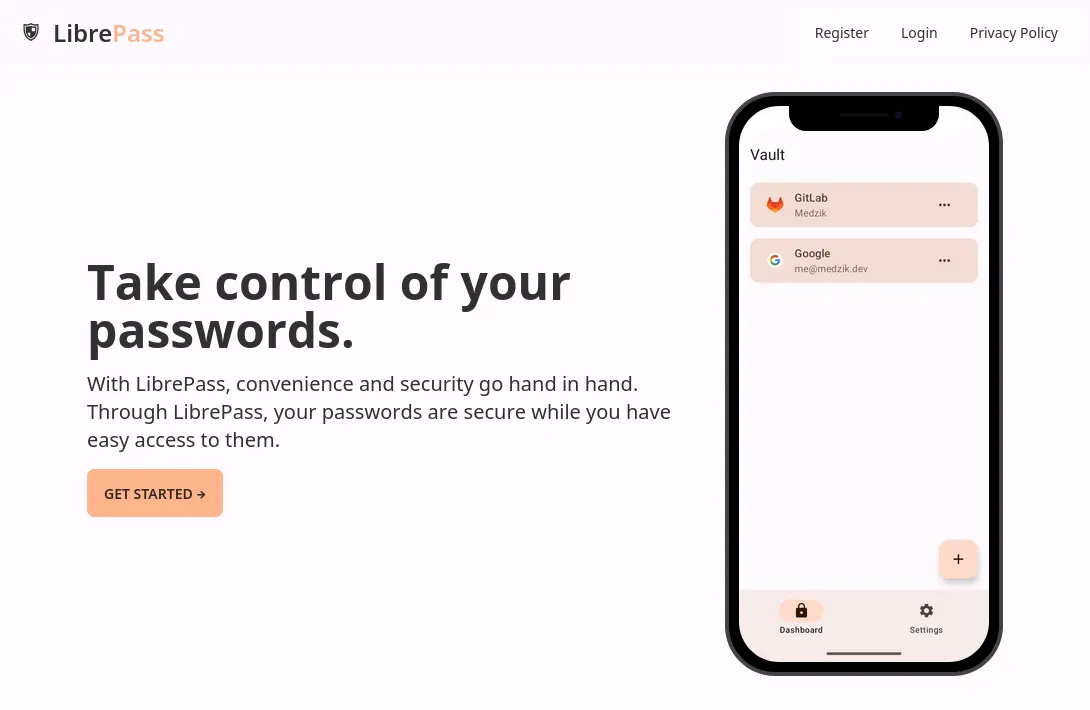
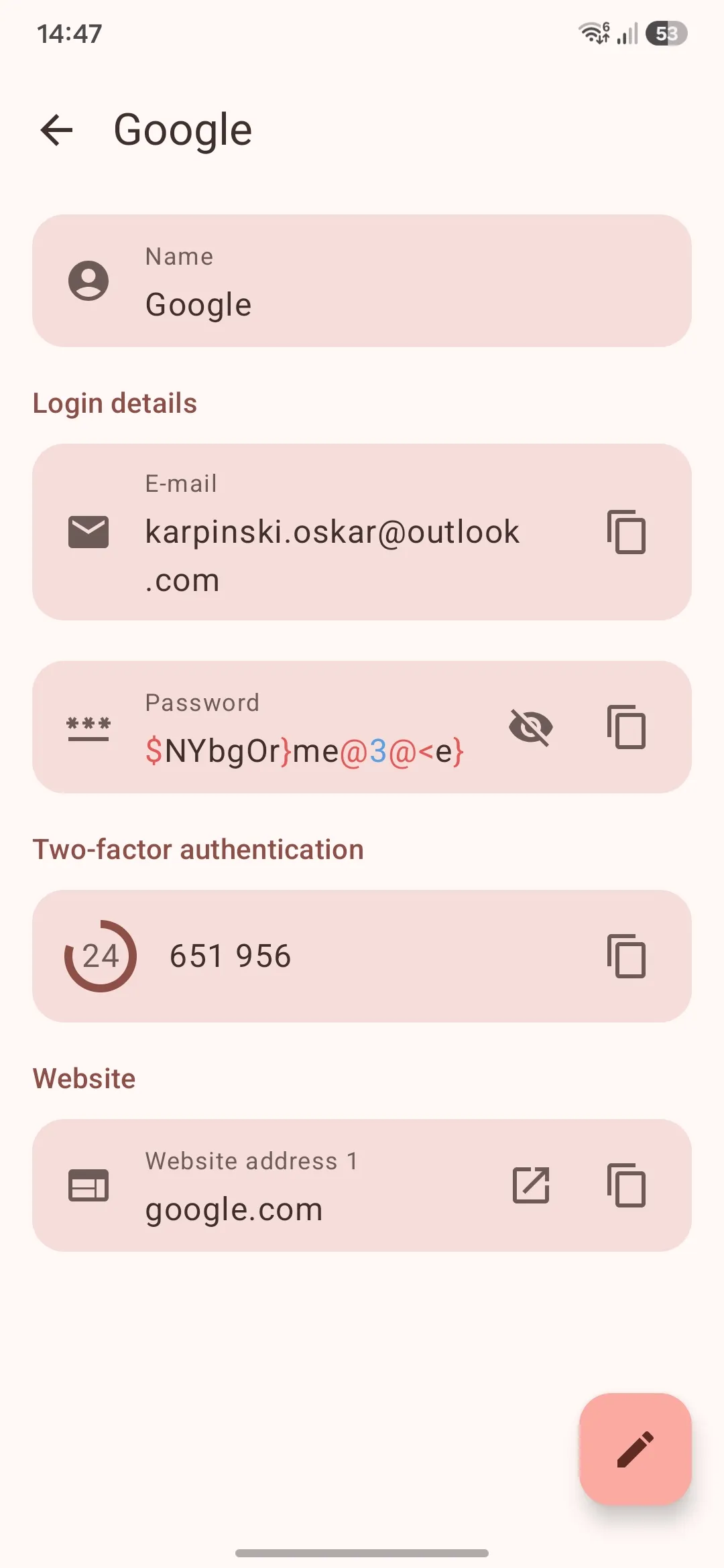
The Android application was the most complete part of the system. It covered account creation and sign-in, adding and viewing entries, password generation, biometric access, automatic locking and offline operation.
The Svelte web client was intended to make the same vault available on larger screens. It remained a prototype that explored the browser interface without being presented as a finished product.
05
Synchronization
Local persistence made the vault usable without internet access, but moved part of the complexity into synchronization. The client had to distinguish local data from server state and respond predictably to interrupted connections and changes waiting to be uploaded.
The project taught me that synchronization is part of product behaviour: it affects the data model, interface messages, error handling and decisions about conflicts between devices.
Local vault
Pending changes
LibrePass server
Encrypted payload
06
Security
LibrePass combined end-to-end encryption with password hashing, token handling, validation, request limiting, biometric access and automatic vault locking. These controls complemented each other across layers instead of relying on a single mechanism.
The project did not undergo an independent audit and is not presented as a production password manager. It documents practical learning about threat modelling, trust boundaries and sensitive data.
Client trust boundary
Plaintext only on the device
E2E
Infrastructure without vault contents
Encrypted payload
07
Challenges
The largest challenge was keeping the mobile interface, local state, encryption, authentication, synchronization and API coherent. Every decision in one layer affected the others — for example, the offline model determined data storage and client behaviour during network failures.
Developing the Android app, backend, deployment, documentation and web client in parallel also demonstrated the cost of maintaining many product surfaces alone. Archiving the project preserved it as an honestly documented case study.
What it taught me
The most important lessons from LibrePass
LibrePass required me to consider user experience, encryption, synchronization, backend boundaries, deployment and project scope as parts of one system.
Security is a process
Password manager security depends on encryption, password hashing, token handling, validation, automatic vault locking and clearly defined trust boundaries working together.
Synchronization is product work
Offline operation and multi-device synchronization must remain predictable when connectivity disappears, local changes accumulate or devices modify the same data.
Mobile applications need architecture
The Android client helped me separate the Compose interface, local state, biometric access, persistence and synchronization instead of coupling them directly to the UI.
Backend services need clear boundaries
The server handled authentication, APIs, request limits and encrypted payload storage, while sensitive vault operations remained a client responsibility.
Code and context
Explore the project repositories
The source code, documentation and development history of LibrePass remain public as reference material.